2-day trial
Try Turbo Chat on supported pages before buying full access.
ThreadLite Turbo Chat helps long project conversations stay usable in the browser, so you can keep working in the chat that already understands the job.
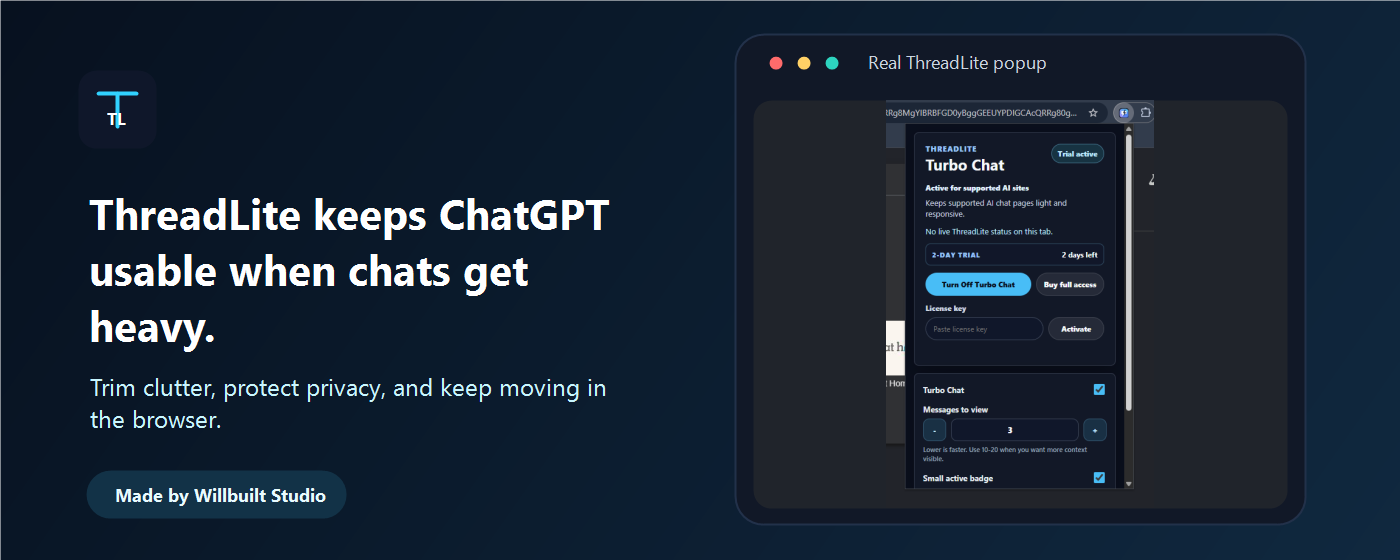
Start with Chrome and ChatGPT. ThreadLite installs as a browser extension, keeps the working chat view lighter, and keeps your chat content out of ThreadLite servers.
Open Chrome Web StoreTry Turbo Chat on supported pages before buying full access.
Unlock with a license key after checkout. Full access is currently USD $10 as a one-time launch purchase.
Built around the long project conversations people actually want to keep using.
No chat text upload, no analytics, no tracking, and no broad all-sites access.
Stay in the ChatGPT conversation that already has your project context instead of rebuilding it in a fresh thread.
ThreadLite focuses the working view on recent messages first, with older context available when supported.
The extension does not upload, analyze, sell, or store your chat content. License checks do not include chat text.
ThreadLite runs in the browser on selected AI chat hosts. It keeps the page lighter while preserving the source conversation in the AI product.
ChatGPT is the primary tested target for long-chat performance work.
Install from the Chrome Web Store, then open a supported ChatGPT conversation and turn on Turbo Chat.